Upstream: crates/rune/README.md § Window chrome and shell controls (OpenCode Desktop fidelity) at
65f8eb43f710, MIT © Anomaly. Bundled by build-rune-apps; links point at this snapshot or at GitHub at that rev.
Window chrome and shell controls (OpenCode Desktop fidelity)
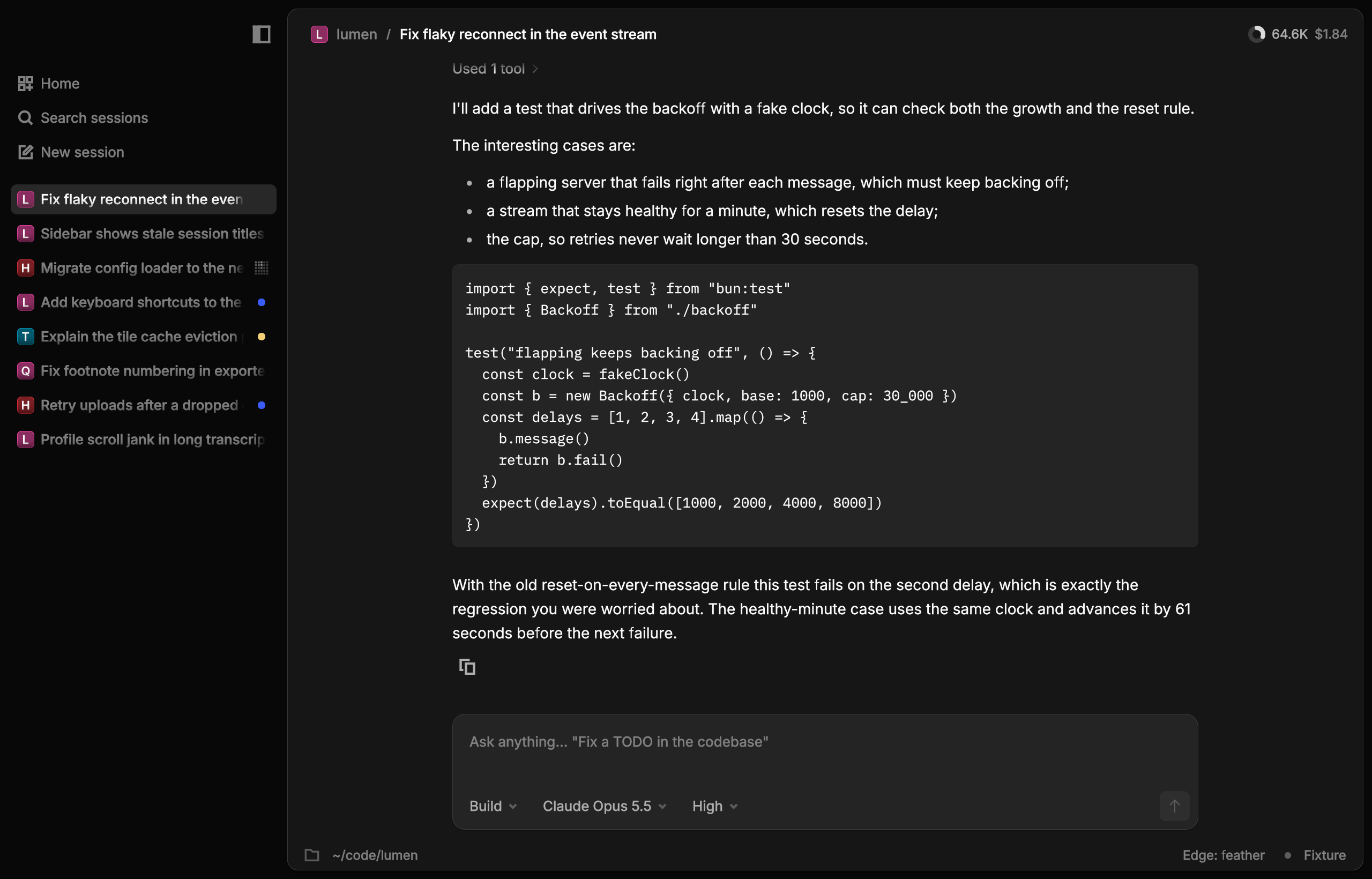
App::chrome/WindowSpec::chrome(Chrome { full_size_content, traffic_lights, drag_regions }, orChrome::DEFAULT): on macOS,full_size_contentgives a transparent titlebar with content under it, andtraffic_lights: Some((x, y))places the close button's top-left atx, ypoints (Electron'strafficLightPosition). Rune places the buttons again after every resize, scale change, focus change and un-occlusion. On Windows and Linux both options do nothing; the system titlebar stays.App::titlebar/WindowSpec::titlebar(Titlebar::new(height)): the app draws its own titlebarheightpoints tall and the window keeps its controls over it. macOS gets a full-size content view with drag regions and the traffic lights centred in the band (unlessChrome::traffic_lightsplaces them). Windows loses its native title bar but keeps resize edges, Aero Snap, the snap layouts flyout over maximize, the window menu (Alt+Space, or a right-click on a.window_drag()region) and its animations; Rune draws the caption buttons over the trailing edge (Electron'stitleBarOverlay: 46 points wide, close turns red), as elements named Minimize, Maximize or Restore, and Close for assistive technology, still in reach while the view holds a modal. A window that isn't resizable never maximizes: its maximize button is dimmed, with no snap layouts.Cx::chrome_insets()says what the controls take (leading,trailing,height; zero where the native frame stays, as on Linux; memos rebuild when it changes),Cx::caption_color(c)colours the caption symbols for an app theme,Cx::titlebar_height(h)changes the band's height as the app runs (a UI zoom), andTx::toggle_maximized()maximizes or restores.cargo run -p rune --example custom_titlebarshows it.AppSpec::new(title, size, init, view)fills every other field with its default; literals that set a few more end with..AppSpec::new(..). Window chrome lives on the builders, keeping existing exhaustiveAppSpecliterals source-compatible.- Window drag regions (
.window_drag()): a press starts winit'sdrag_windowand a double press zooms the window (macOS follows the user'sAppleActionOnDoubleClicksetting, so it may minimise instead; elsewhere it toggles maximised). WithChrome::drag_regionson macOS, only marked regions move a borderless or full-size-content window, so titlebar content stays clickable. Rune subclasses only that window's content-view instance; ordinary titled windows and NSPanel overlays retain their native behaviour. - Hover groups:
.hover_group()(or any.hover(color)) tracks hover for a subtree, and.hover_motion(enter, exit)sets its curves (for example a delayed reveal). Descendants read the nearest group with.group_opacity(rest, hovered)and.group_color(c). A group stays hovered while one of its descendants holds the press, and only counts the part of it that shows inside a clipping parent..hover_motion_within(enter, exit)sets the default curves for every hover track below it without its own.hover_motion(the nearest ancestor wins), which reaches kit controls' inner elements; put it on the view root (rune_kit::rootcarries it to popup layers). - Loops (
.cycle(Cycle { period, phase, stops, still, fps })): an opacity loop sampled from the clock throughEl::looping, with one loop engine in rune-motion, so every loop with the same period stays in phase. Reduced motion holdsstill. While only loops move, the window wakes atfpsinstead of every display frame, and a still window does no work. - Drags report
dx, dy, the pointer's travel since the press. --chrome(headless) paints the traffic lights and a 4 pt clearance box onto snapshots and prints any element that overlaps them.